
Appearance
Plans & Billing
The Plans & Billing page is where you manage your subscription, review usage charges, and update your payment method. This page is only accessible to the team admin or primary account owner. You can reach it from the Hyper dashboard on the Plans & Billing page.
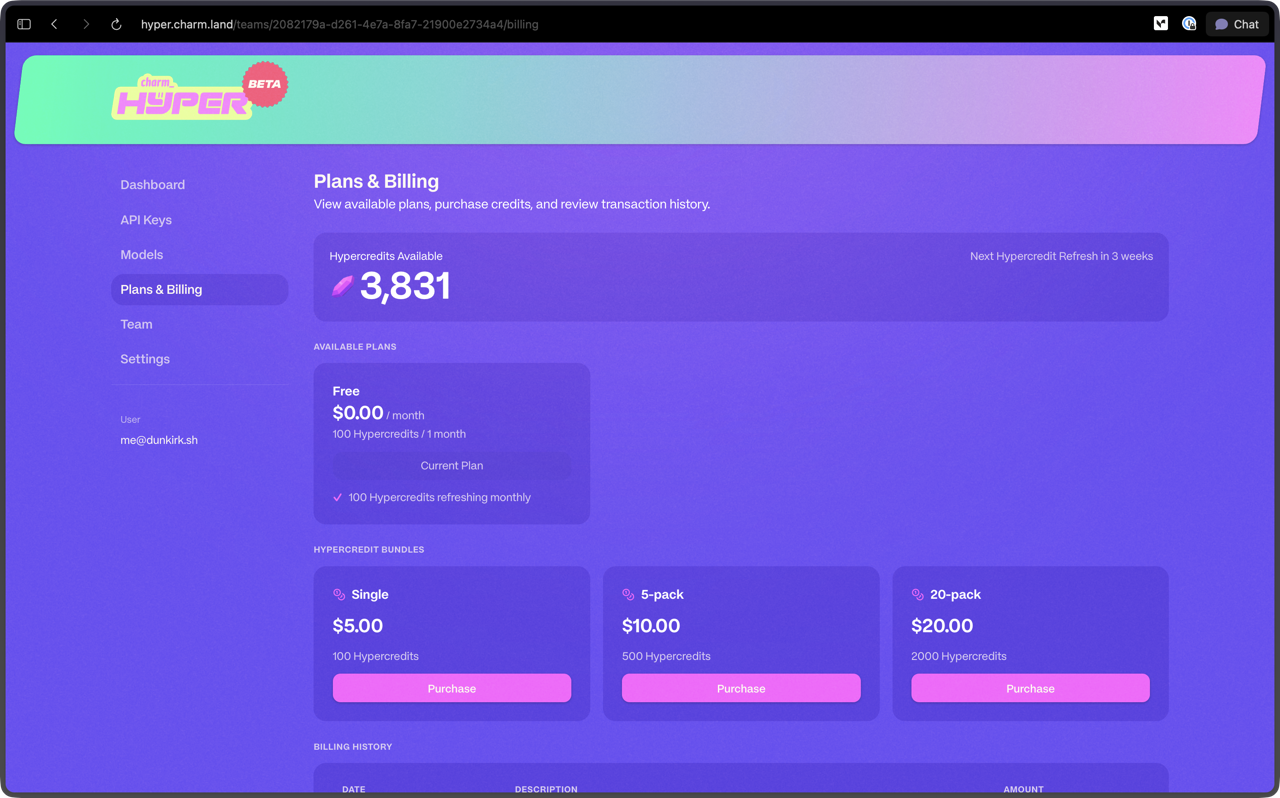
Hypercredits Available and Refresh
The top section displays your current Hypercredit balance, split between Subscription credits from your plan and Prepaid credits you have purchased. Subscription credits are spent first, and prepaid credits take over once they run out.
Subscription Hypercredits refresh every week on Sunday at 00:00 UTC, and the five-hour rolling window means part of your weekly allocation becomes available again over time. One Hypercredit equals five cents of inference. See the Hyper FAQ for a full explanation of how Hypercredits work.
Available Plans
Plans are grouped into Personal, Team, and Enterprise tabs in the plan selector. Your current plan is highlighted so you can see at a glance which tier you are on. Every plan includes all available models and the Prism routing model. For live pricing, see hyper.charm.land.
Personal
Personal plans are for solo coding and are billed per month.
| Plan | Price | Hypercredits / week | Inference / week | Hypercredits / 5 hours | Concurrent requests |
|---|---|---|---|---|---|
| Shred Diet | $10 / month | 180 | ≈ $9.00 | 100 | 2 |
| Shred Classic | $20 / month | 250 | ≈ $12.50 | 150 | 3 |
| Shred Energy | $50 / month | 400 | ≈ $20.00 | 250 | 4 |
| Shred Nitro | $100 / month | 690 | ≈ $34.50 | 400 | 8 |
| Shred Animal | $200 / month | 1,200 | ≈ $60.00 | 700 | 12 |
Zero Data Retention
Personal plans are not ZDR (Zero Data Retention).
Team
Team plans are multi-user and designed for teams, but they work great for solo users too. They are billed per user, per month, and are always ZDR.
| Plan | Price | Hypercredits / week | Inference / week | Hypercredits / 5 hours | Concurrent requests |
|---|---|---|---|---|---|
| Business Casual | $30 / month / user | 180 | ≈ $9.00 | 100 | 2 |
| Business Class | $40 / month / user | 250 | ≈ $12.50 | 150 | 3 |
| Business Platinum | $70 / month / user | 400 | ≈ $20.00 | 250 | 4 |
| Business Diamond | $120 / month / user | 690 | ≈ $34.50 | 400 | 8 |
| Business Champagne | $220 / month / user | 1,200 | ≈ $60.00 | 700 | 12 |
Zero Data Retention
Team plans and prepaid Hypercredits are always ZDR (Zero Data Retention).
Pay As You Go
Both the Personal and Team tabs offer Pay As You Go (PAYG). There is no subscription: you spend only the prepaid Hypercredits you buy, starting at $5, and you get all available models, the Prism routing model, ZDR, and no rate limits.
Enterprise
Enterprise offers high-performance, open-weight models at a fraction of frontier pricing, with the data handling and controls your security review will love:
- US inference and data residency
- Fast model availability
- Dedicated instances
- SAML SSO
- Bring your own frontier-lab keys: one gateway for open and closed models
- Per-user quotas and spend caps, request logs, and audit exports
- Datadog Agent Observability
- PostHog LLM Observability
…and more. Talk to us about an Enterprise setup:
- Call +1 (833) 242-7688
- Email enterprise@charm.land
Upgrading
When you upgrade to a higher-tier plan, your new Hypercredit allocation takes effect immediately. You gain access to the higher credit limit and any additional features included in the new tier right away. Your billing cycle adjusts to reflect the new plan price from the date of upgrade.
Downgrading
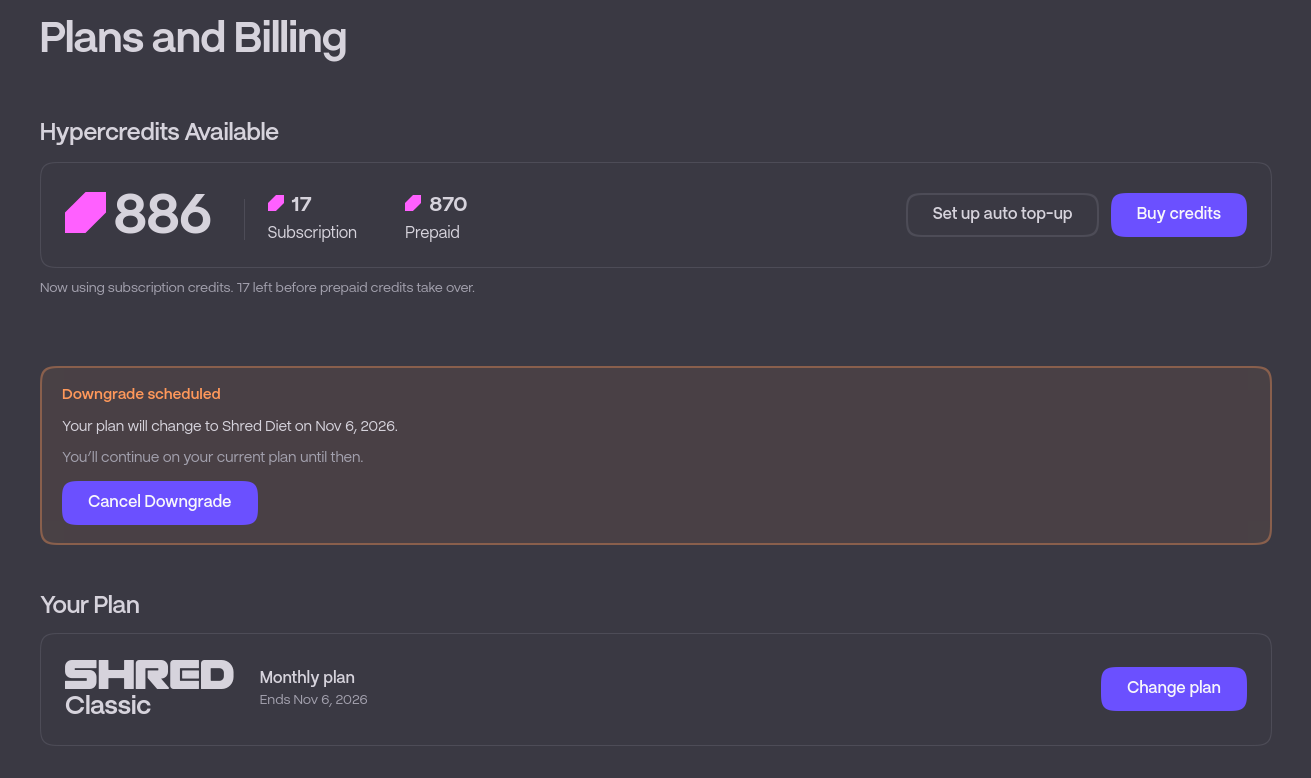
When you downgrade your plan, the change takes effect at the start of your next billing cycle. You retain access to your current plan's features and credits until the cycle ends. Any unused Hypercredits from your current plan do not carry over to the lower tier.
Hypercredit Bundles
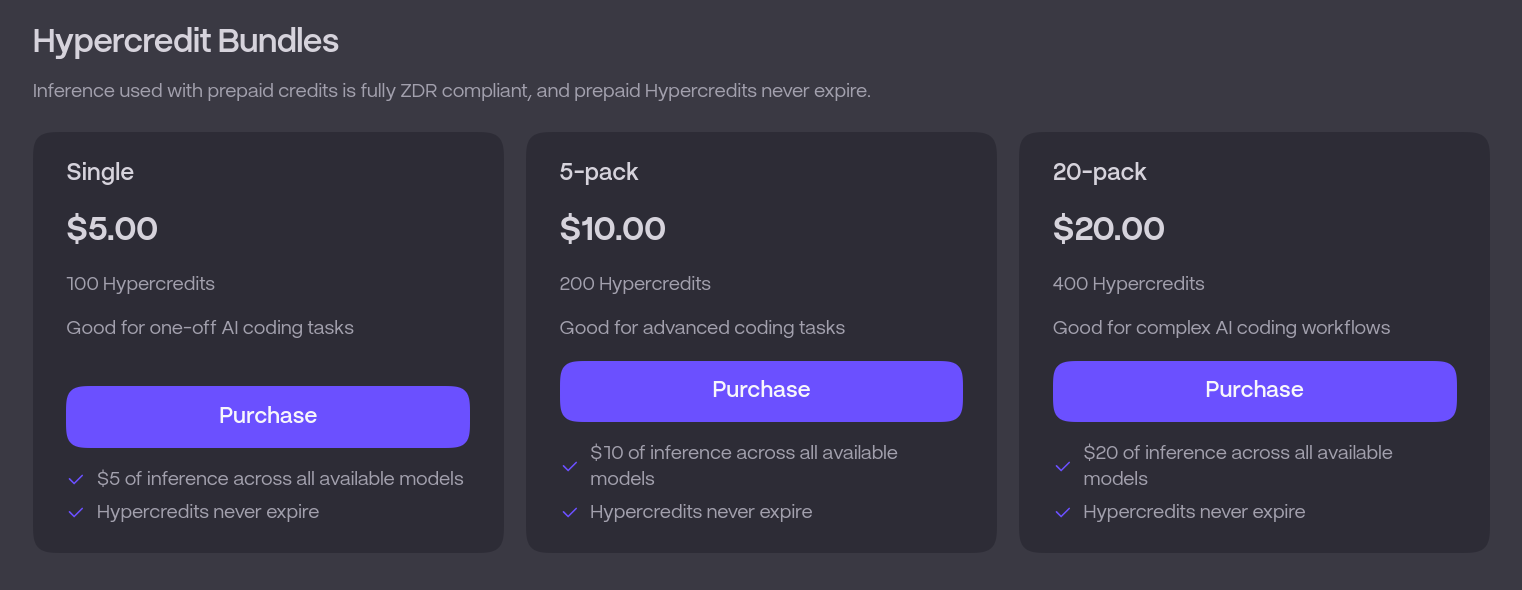
If you need credits beyond your weekly allocation without changing plans, click Buy credits to purchase prepaid Hypercredits. These are one-time purchases starting at $5 that do not expire, are always ZDR, and stack on top of your subscription balance.
Auto Top-up
Set up auto top-up keeps your prepaid balance replenished automatically so you do not run out of credits mid-session. You can review or disable it at any time from the same section. 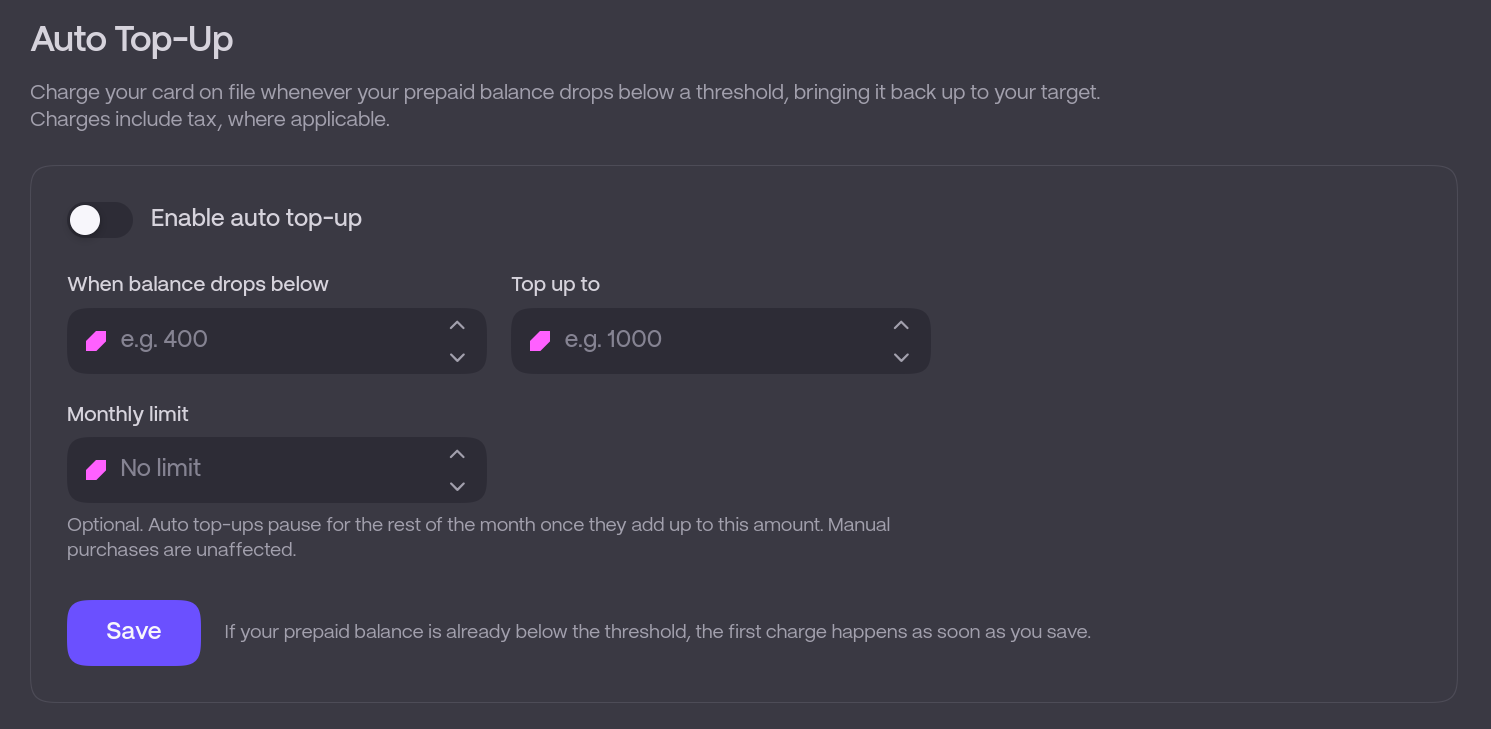
Billing History
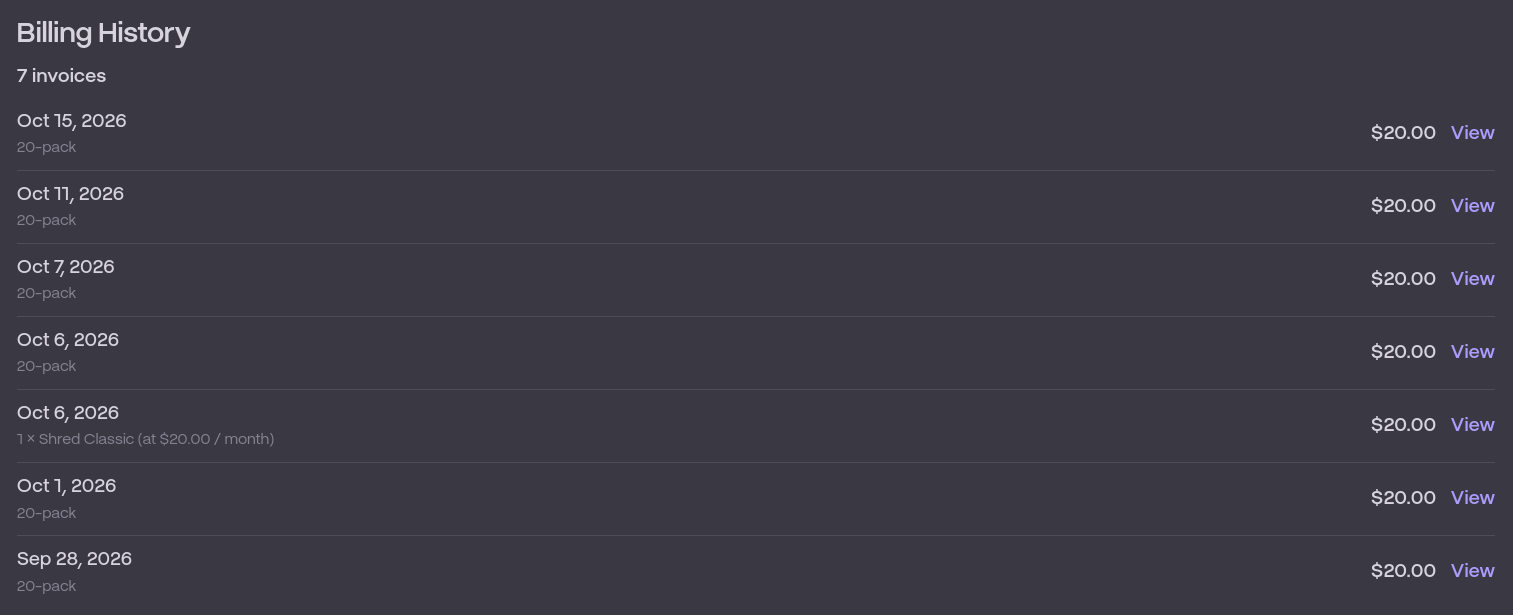
The billing history section lists all transactions associated with your account. Each entry shows the date, description, and amount charged. This includes:
- Recurring subscription charges for your plan
- One-time prepaid Hypercredit purchases
- Auto top-up charges
- Failed recurring payments in the context of a paid subscription
TIP
Failed payment attempts appear in your billing history so you can track and resolve any issues with your payment method. If a recurring payment fails, update your payment information promptly to avoid service interruption.
Billing is powered by Stripe, so your payment information is handled securely through their platform.